7 Best Google Review Cards for Business (Boost Brand Reputation)
Nowadays, online reviews significantly influence how customers perceive a brand. Among all the review platforms, Google reviews hold immense power when it comes to shaping a business’s reputation and driving success.
Companies understand this importance and actively seek innovative ways to encourage more customers to share their experiences. One such effective approach involves leveraging NFC and QR code review cards, stands, and stickers.
These cards provide a convenient and user-friendly method for customers to submit their feedback on Google. By simply scanning the card with their smartphones, customers can easily access and contribute to the business’s Google review page.
This streamlined process makes leaving reviews more accessible and simplifies the way companies gather valuable customer insights. These authentic reviews serve as a powerful trust signal, attracting new potential customers and helping your brand stand out in a crowded marketplace.
In this article, we’ll explore the top NFC and QR code-enabled Google review cards available for businesses. With these cutting-edge tools at your disposal, you can effortlessly collect positive customer testimonials from your existing client base.

Disclaimer: Because the site is reader-supported, we may earn a commission if you use our affiliate links. More info here.
What Is a Google Review Card?
A Google review card is a physical or digital card that contains a direct link or instructions for customers to leave a review on a business’s Google My Business profile.
These cards often utilize NFC (Near Field Communication) or QR (Quick Response) code technology to provide customers with an easy way to access the review page.
How Do Google Review Cards Work?
These cards work similarly to digital business cards for sharing contact information. However, in this case, you’re sharing an automatic link that redirects people to your reviews page.
All the user has to do is scan the card or tap it on their mobile device. The purpose of a Google review card is to encourage and facilitate customer feedback, thereby boosting your business’s online reputation and visibility on Google.
Read also: Best Business Cards with NFC
What Is the Best Google Reviews Card for Business?
Below are the top options to pick from when it comes to Google review cards.
1. Digifeel
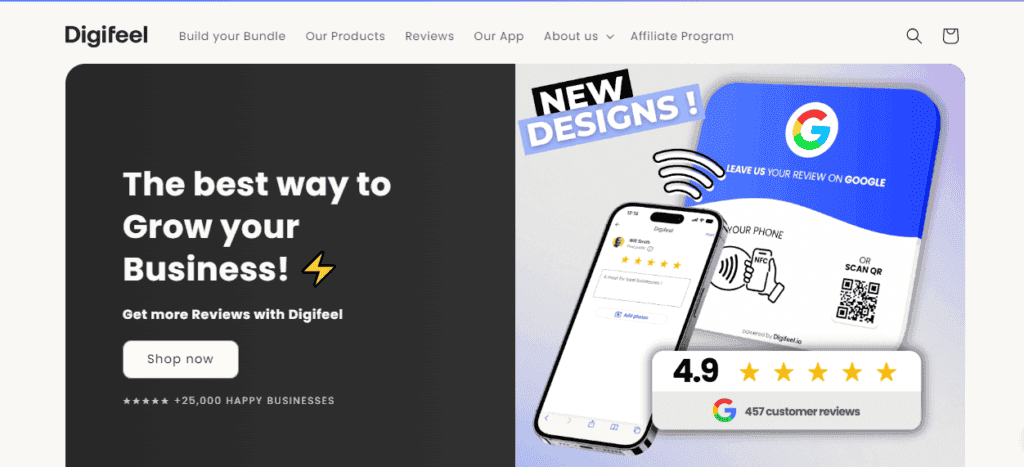
Digifeel is an e-reputation platform that makes it super easy for businesses to collect more online reviews from their customers. Now, as you know, Google reviews can help you show up high in those all-important Google searches.
That’s why Digifeel offers these nifty little review cards and plates that use NFC technology. But don’t worry, these plates aren’t tracking your personal info or anything like that but simply transmit a link to your reviews page when someone taps their phone on them.
Here’s how it works: First, you’ll get a sleek plexiglass plate or card with a QR code on it. Just scan that code, and it’ll take you to the Digifeel app. Enter the activation code, and boom – you’re ready to start collecting reviews!
The best part? Your customers can leave a review in just three seconds by tapping their phone on the plate without fumbling around for links or trying to remember to do it later.
And Digifeel doesn’t just work with Google – you can also collect reviews on Facebook and Yelp. This gives you a serious boost across multiple platforms.
But wait, there’s more (see full Digifeel review)! Digifeel is offering a pretty sweet deal: increase your monthly reviews by 20% in the next 30 days, or you get your money back. That’s a risk-free way to see just how powerful this little gadget can be for your business.
Digifeel Google Review Card Pricing
You can buy Digifeel’s review cards in 1, 3, 5, or 10 pieces.
- 1 card: $35.90
- 3 cards: $45.90
- 5 cards: $59.90
- 10 cards: $99.90
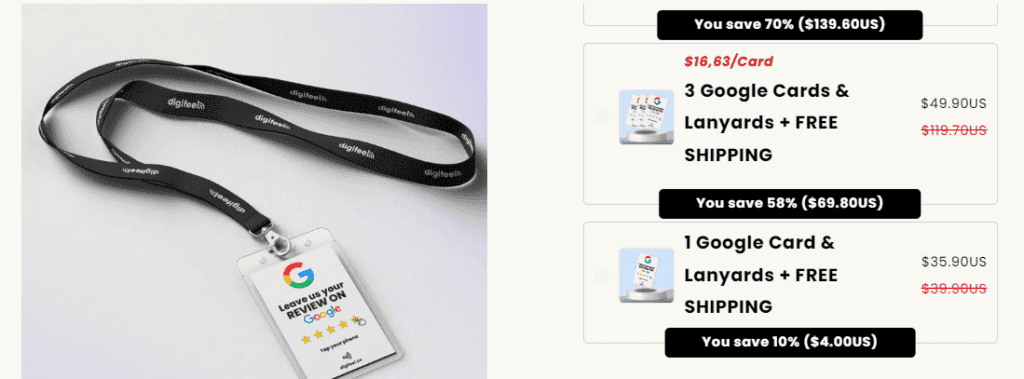
The more cards you buy as a bundle, the better the deal.
2. V1CE
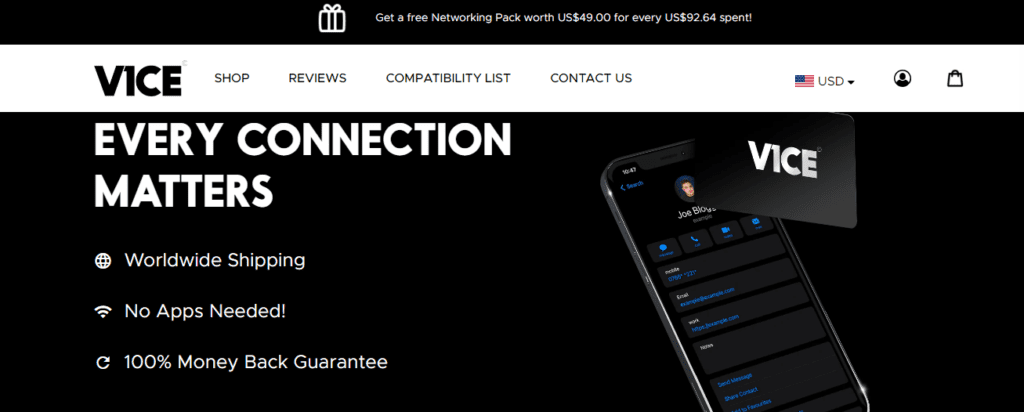
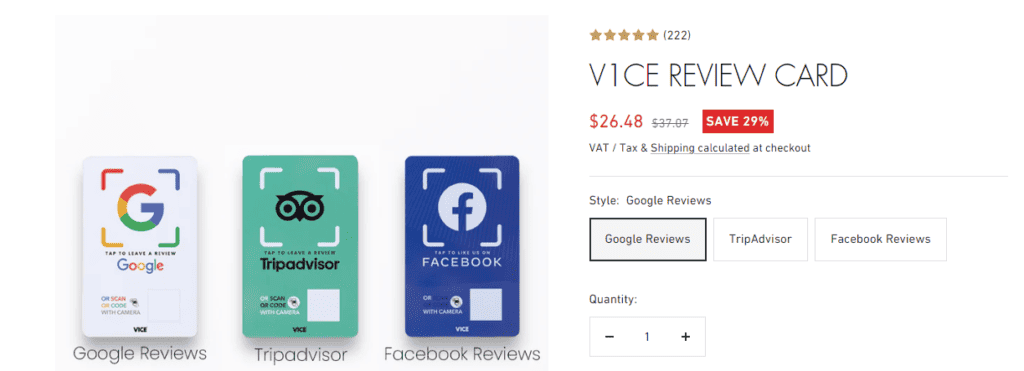
V1CE is among the top places to shop for Google review cards, TripAdvisor cards, and Facebook cards. The Google review card is a direct channel for customers to leave feedback.
The card is also visually striking, making it easily noticeable to customers. You only need to place it on your desk, at the reception, or on tables (whatever works for you).
Because the card is powered by NFC technology, which is common to all V1CE products, the user just has to tap it on their mobile device. That said, you can also find lots of interesting modern business cards and accessories on V1CE to take your networking game to the next level.
You can find yourself a metal card, a bamboo card, or even a 24k gold card that uses NFC and QR codes to share your personal or business information.
V1CE Google Review Card Pricing
The V1CE Google review card costs £20 (around $26.08) only (buying more of them gets you discounts). And you can get free shipping (worldwide) on orders above £65.
3. mTap
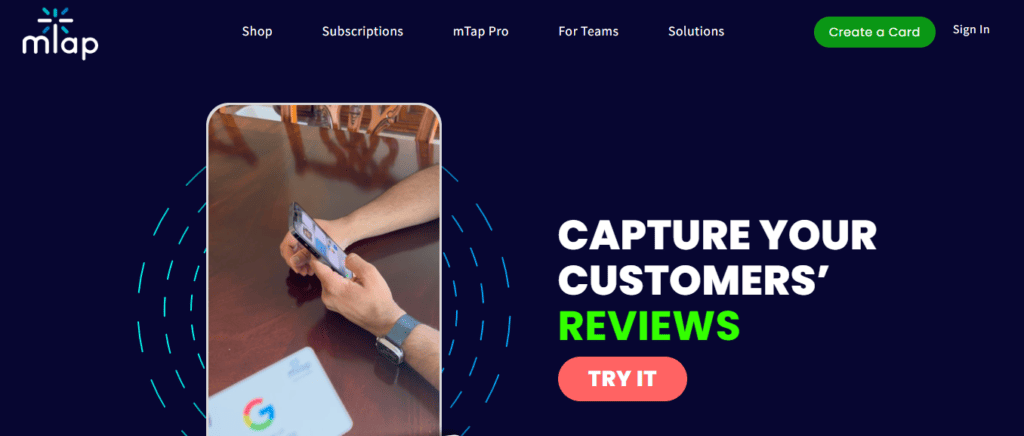
Second on the list of the top Google review cards is mTap. mTap’s Google review card is a user-friendly tool that seamlessly integrates NFC and QR code technology to enhance the customer review process.
With mTap, customers can easily leave reviews for your business by simply tapping their NFC-enabled smartphone or scanning the QR code on the card. This streamlined approach eliminates the need for customers to search for your business on Google and makes the review process more efficient and convenient.
Unlike mTap’s digital business cards, which require creating a profile and managing an account, the review cards are configured and don’t require you to do anything extra.
To get mTap’s review card, all you have to do is provide your business name and address, whether a physical or virtual one. The company will put your information on the card before shipping it to you.
mTap Google Review Card Pricing
mTap review cards are quite affordable, with prices as low as $39.
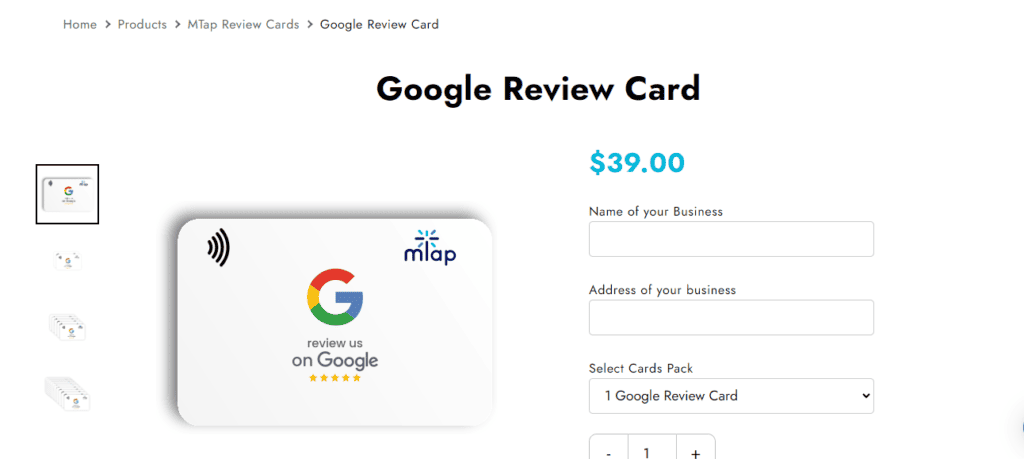
- Regular Google Review Card: $39
- Custom Google Review Card: $79
- 10-Card custom Google Review Card Bundle: $199
4. ZappyCards
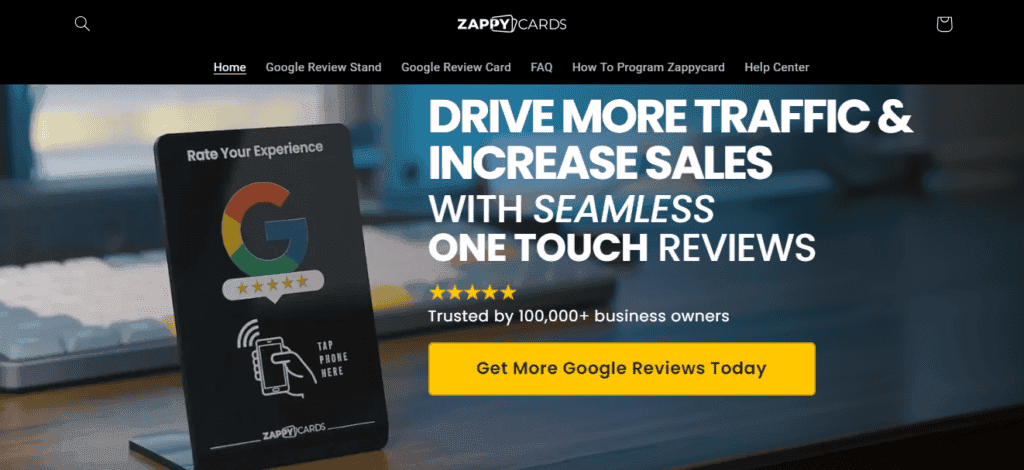
ZappyCards is a platform that offers Google review cards and stands. And let me tell you, it’s a game-changer for businesses looking to boost their online presence and attract more customers.
The platform provides sleek NFC-enabled stands or cards that you can place in your store or business location. When customers want to leave a review, they just have to tap their phone on the stand or card.
It doesn’t matter whether it’s an Apple, Samsung, Google, or any other NFC-enabled device. Upon doing so, they’ll be instantly connected to your Google review page, ready to share their experience with the world.
Your customers don’t need to connect to Wi-Fi or have a specific app installed. As long as they have a data connection, they’re good to go!
ZappyCards has a six-step, easy-to-follow PDF guide, so setting it up is easy. No more confusing instructions or frustrating tech hiccups – just a hassle-free experience that’ll have you collecting reviews like a pro in no time.
ZappyCards Google Review Cards Pricing
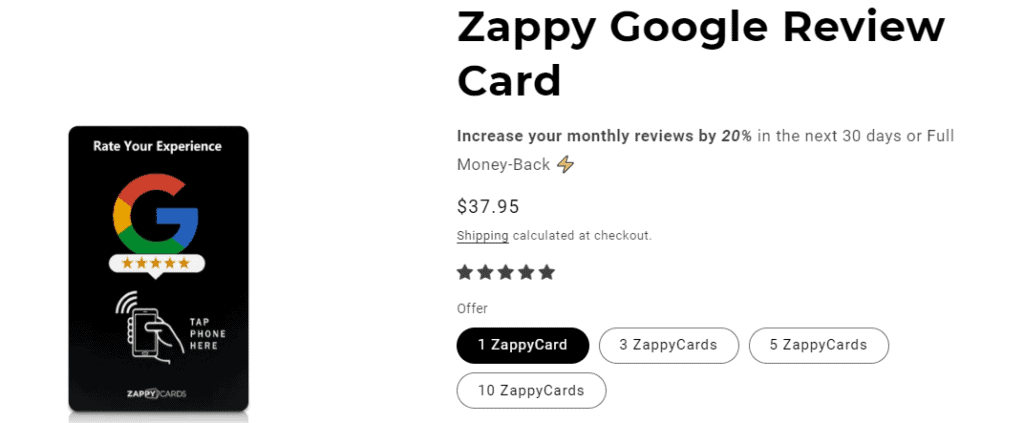
Similar to Digifeel, you can buy ZappyCards’ review cards in 1, 3, 5, or 10 pieces.
- 1 card: $37.95
- 3 cards: $64.99
- 5 cards: $84.95
- 10 cards: $129.95
5. TAPiTAG
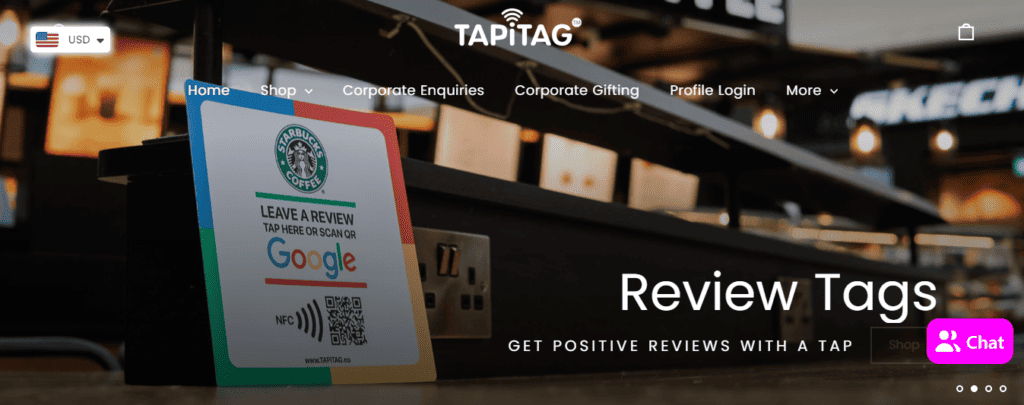
Next up is TAPiTAG, a digital card provider that offers a collection of QR code and NFC review cards for businesses. It offers an advanced solution for brands seeking to streamline the review process and gain valuable insights.
TAPiTAG utilizes UV digital print technology to ensure high-quality, durable cards that can withstand regular use. UV digital print not only enhances the cards’ visual appeal but also contributes to their longevity, making them a reliable and long-lasting tool for driving customer reviews.
TAPiTAG stands out by offering a no-subscription model. It provides a cost-effective and accessible solution for businesses of all sizes.
You get a chance to leverage the benefits of TAPiTAG without being tied to ongoing subscription fees. In other words, it’s an attractive option for budget-conscious businesses.
With built-in analytics, TAPiTAG allows businesses to track and analyze customer interactions. For example, you can see how many people tapped to leave a review about your business.
To get started with the TAPiTAG card, you need to go to the online shop, add your logo, and place an order. When the card arrives, scan the QR code to set up your profile and include your review link under “My Social Tags.”
TAPiTAG Google Review Card Pricing
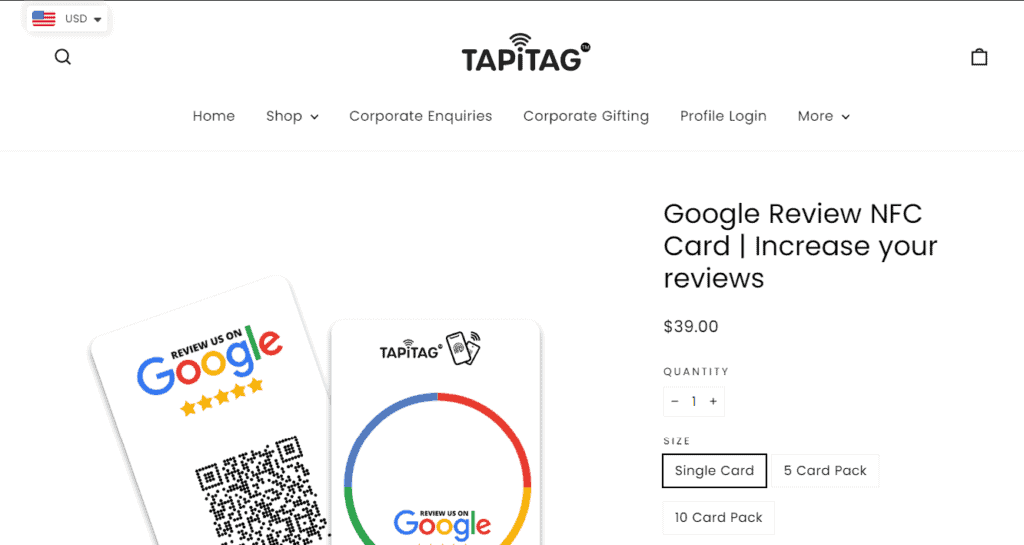
The TAPiTAG Google review card costs as follows:
- Single Card: $39
- 5 Card Pack: $183
- 10 Card Pack: $360
TAPiTAG also offers bamboo and walnut Google review cards and review tags, including a $28 Google review phone tag.
6. Tap Tag
Tap Tag is another option for Google review cards. This card can help you amplify your online presence and get more 5-star reviews on Google.
Each card is NFC-powered and works with all smartphones. The customer won’t need any app to scan it.
The thing about Tap Tag’s cards is that you can direct to any review page, not just Google. Tap Tag allows you to choose several other popular review platforms from which your brand would benefit.
These include TrustPilot, TripAdvisor, Yelp, and Airbnb. You can order any of these cards separately.
Tap Tag Google Review Card Pricing
Tap Tag card prices depend on the functions you select. The Tap Review branded card is $19.95.
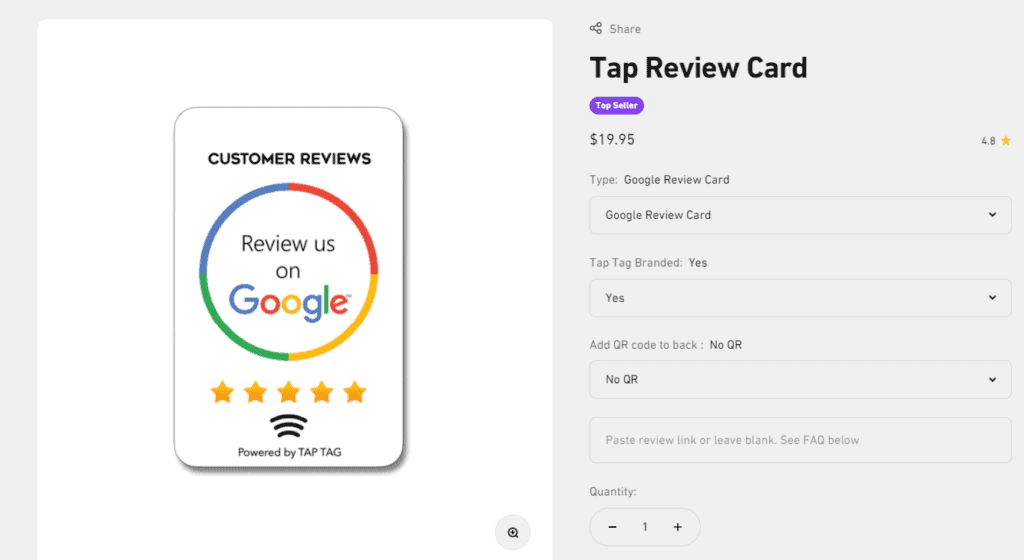
Removing the TapTag brand logo will cost you an extra $5, and so will adding the QR code scanning functionality (to make the total cost $29.95).
7. Review.Cards
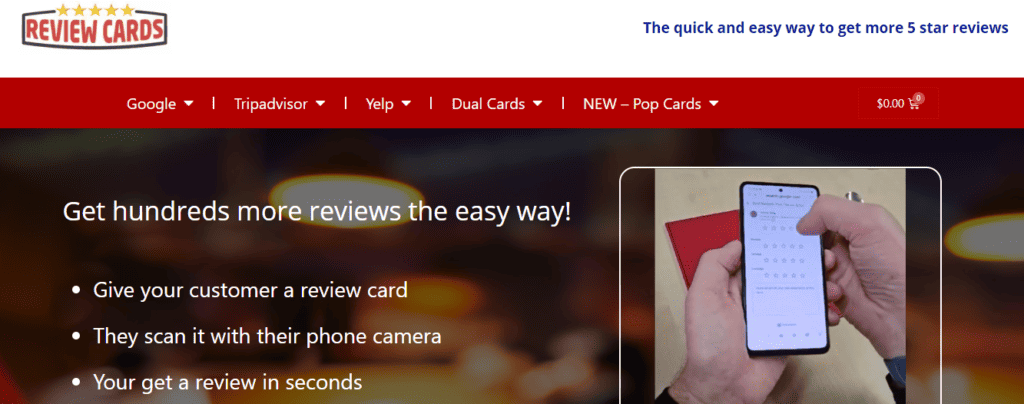
Last on this list of the top Google review cards for business is Review.Cards. This platform allows you to get yourself a bundle of up to 1,000 cards at an affordable cost.
The only problem is that their cards lack the much-needed and convenient NFC technology (so they’re just like traditional paper cards). You can only have a QR code for scanning with a phone camera and a shortened link that users can visit.
You can also list your site address on the card. Other elements to add include a business name, logo, and phone number.
Review.Cards Google Review Cards Pricing
The cost starts at $74.99 for 500 printed review cards.

How to Create a Google Review Card
Creating a Google Review Card is a straightforward process that involves designing a physical or digital card that provides customers with a direct link or instructions to leave a review on your Google My Business profile.
Here are the steps to create a Google Review Card:
- Design the card: Determine the format of your Google Review Card, whether it’s physical (printed) or digital (e.g., an image or PDF). Consider including your business logo, name, and a clear call-to-action prompting customers to leave a review.
- Include NFC and/or QR Code: If you’re creating a physical card, you can include an NFC tag and/or a QR code on the card. NFC tags can be programmed to direct customers to your Google review page when tapped with an NFC-enabled smartphone. Customers can scan QR codes to access the review page directly.
- Provide clear instructions: Whether it’s a physical or digital card, ensure that it includes clear and easy-to-follow instructions for customers on how to leave a review. This might include a simple URL, a “Scan Me” label for QR codes, or a “Tap Here” prompt for NFC tags.
- Customize the Content: It helps to tailor the content of your Google review card to reflect your brand’s identity and messaging. Use colors, fonts, and imagery that align with your brand’s visual identity for a professional look.
- Test the card: Before distributing the Google Review Card to customers, test the NFC and QR code functionality. Ensure they direct users to the correct review page to provide a seamless customer experience.
Now, you don’t have to go through the process of designing a Google review card and adding NFC technology or QR codes to it. It can get quite complicated and you may have to deal with various production costs.
There are ready-made review cards online. Simply head to a platform such as V1CE instead and order a card containing branding elements like your business name and logo.
How to Distribute or Display Your Google Review Cards
Distributing Google review cards effectively is how you can encourage customers to leave reviews and enhance your business’s online reputation. Here are some effective methods for distributing your Google Review Cards:
- In-person distribution: If you have a physical location, place Google review cards at checkout counters, reception desks, or other high-traffic areas where customers can easily access them. You can also include them in shopping bags, with receipts, or use stickers on windows, walls, and other surfaces.
- Direct mail: In case you have a mailing list of customers, a great option is to send out Google review cards along with promotional materials or as part of a thank-you package. This can help increase the likelihood of customers leaving reviews.
- Email signature: Include a link to your Google Review page in your email signature, and encourage your employees to do the same. This way, every email sent from your business serves as a gentle reminder for customers to leave a review.
- Social media and website: Share digital versions of your Google Review Cards on your business’s social media platforms and website. Include a call-to-action encouraging customers to leave a review, and make the process as simple as possible by providing direct links or QR codes.
- Events and networking: If you attend trade shows, networking events, or community gatherings, bring physical Google review cards to distribute to potential customers. This personal touch can help you connect with people and encourage them to engage with your business.
- Packaging inserts: If you sell products, consider including a Google review card in the packaging. It’s a convenient opportunity for customers to leave a review after receiving and using your product.
- Customer service interactions: Train your customer service representatives to offer Google review cards as part of their interactions with customers. For example, after resolving an issue or completing a successful transaction, they can provide the card as a way to express appreciation and encourage feedback.
Google Review Cards FAQs
What is the best Google review card in the UK, Australia, New Zealand, Dubai, or Canada?
V1CE is one of the top Google review card providers that ships worldwide. Regardless of your location, this company can deliver your order to you.
The time it takes varies depending on where you are. Still, I found that it has one of the quickest delivery times of all the available providers.
How do you ask for Google reviews on a card?
When asking for Google reviews on a QR code-enabled or tap card, it’s wise to make the request politely and clearly. Use a friendly tone, provide clear instructions, and express gratitude.
Conclusion
Google review cards are a powerful tool for businesses looking to enhance their online reputation and attract new customers. By providing a convenient and user-friendly way for customers to leave reviews, businesses can gather valuable feedback and improve their visibility on Google search results.
To create effective Google Review Cards, businesses should focus on simplicity, clarity, and branding. It’s also best to consider various distribution methods, including in-person, digital, and direct mail options, to reach as many customers as possible.